Step-by-step guide:
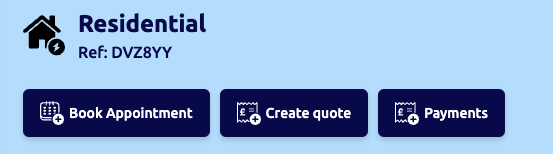
- Once you have selected the specific job you wish to set up an appointment for, click on “Book Appointment“
- Click on the drop-down menu and select either ‘Survey‘, ‘Remote Survey, ‘Install‘ or ‘Service‘

- Select the operative (internal staff member) that you want to complete the job.
(Please note: If you are using a subcontractor within your network to facilitate the appointment you can do this via the job-sharing function)
- Select the date and time and insert any notes for the operative to see
- You have the additional option to send the appointment email notification to the customer

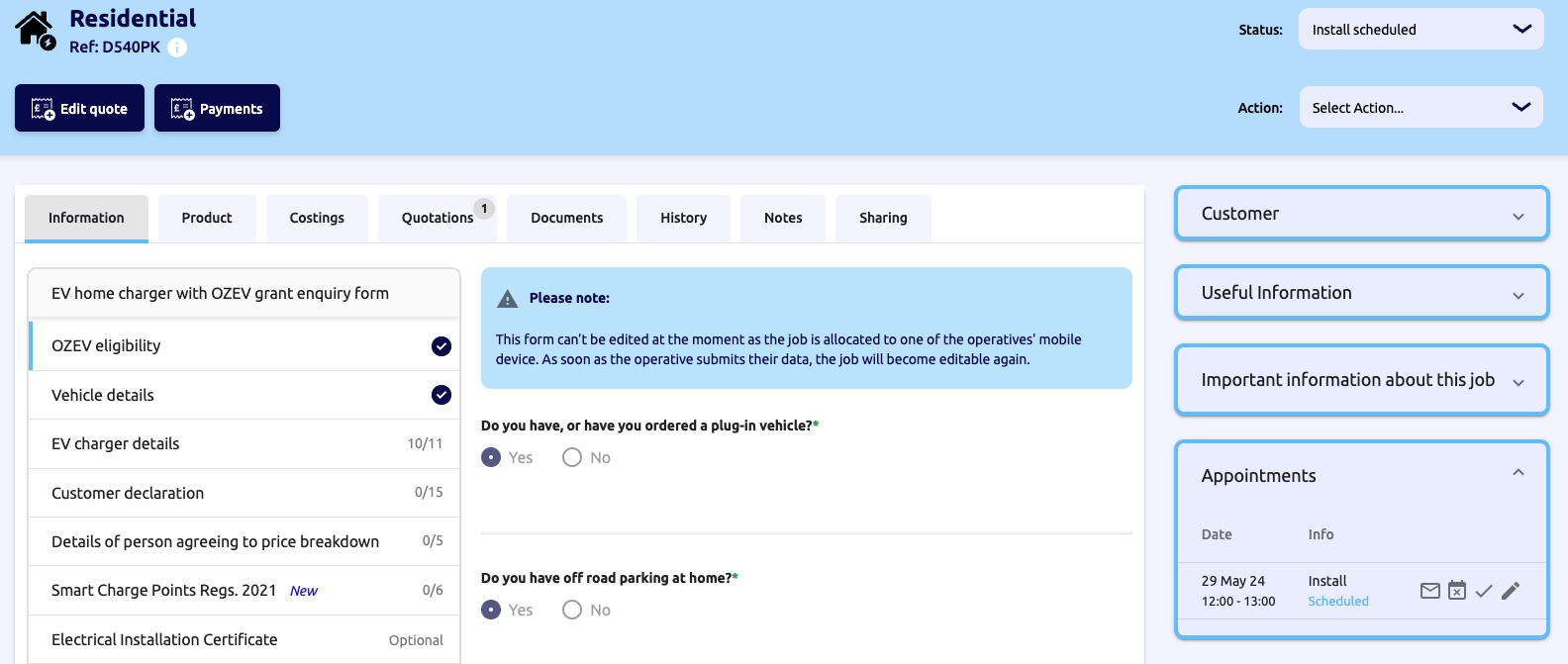
- Once it has been saved it will show on the calendar in your appointments tab and the Customer job file on the right-hand section